
How to Declutter Your Digital Life for a Clearer Mind
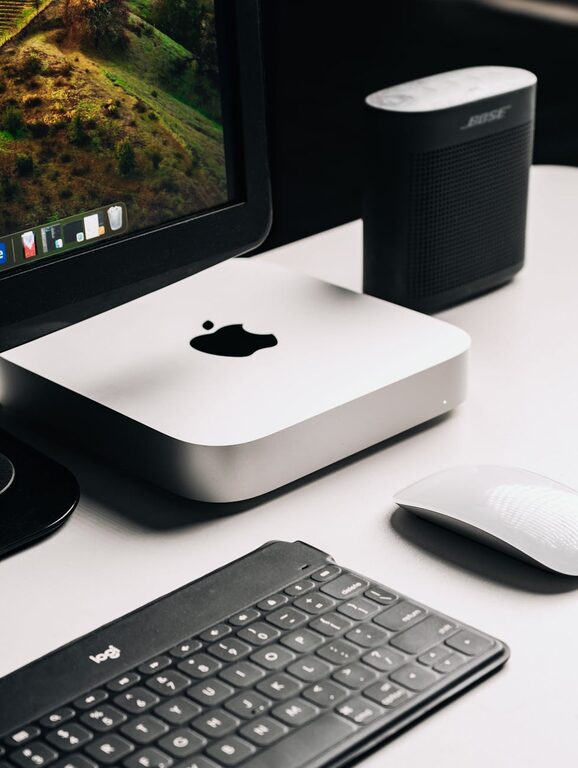
In today’s connected world, our digital lives can quickly become overwhelming. Between emails, files, apps, and social media, it’s easy to feel buried under a mountain of digital clutter. Just like tidying up a physical space, decluttering your digital life can bring clarity, reduce stress, and improve efficiency. In this post, we’ll explore simple, effective ways to organize your digital environment so you can enjoy a cleaner, more manageable online life.
Why Declutter Your Digital Life?
Digital clutter can cause distractions, slow down your devices, and make it harder to find what you need. Taking time to clean up your digital world helps you:
– Save time searching for files or emails
– Improve focus by removing distractions
– Free up storage space on devices
– Enhance your overall digital security
– Boost mental clarity and reduce stress
Now, let’s dive into practical strategies to get started.
1. Clean Up Your Email Inbox
Email is often the biggest source of digital clutter. Here’s how to tame your inbox:
Sort and Delete Unnecessary Emails
Start by unsubscribing from newsletters or promotional emails you no longer read. Most emails have an unsubscribe link at the bottom — it only takes a few clicks.
Next, delete or archive old emails you don’t need. Consider creating folders or labels to organize important messages by topic, project, or sender.
Set Up Email Filters
Most email services allow filters or rules. Use them to automatically categorize incoming emails, so your inbox stays organized without requiring constant attention.
Regular Maintenance
Set a weekly or monthly reminder to review your inbox and clean up. Regular upkeep keeps clutter from building back up.
2. Organize Your Files and Folders
Digital files spread across your computer, cloud services, and external drives can quickly become messy. Here are some tips:
Create a Logical Folder Structure
Group related files into clear folders and subfolders. For example, separate work documents, personal photos, and receipts into distinct folders.
Name Files Consistently
Choose a file naming system that makes sense to you — like including dates or keywords — so it’s easy to find files later.
Delete Duplicates and Unneeded Files
Use software tools or manual checks to find duplicate files and delete those you no longer need.
Backup Important Data
Organizing your files gives you a chance to back up critical data. Use external hard drives or cloud backups to protect your valuable files.
3. Streamline Your Apps and Software
Too many apps can clutter your device and slow it down. Consider these steps:
Evaluate Your Apps
Look through your installed apps and delete those you no longer use or need.
Organize Apps Into Folders
Group similar apps into folders — like “Productivity,” “Social,” or “Photography” — for easier access.
Update Regularly
Keep your apps and software up to date to ensure security and smooth performance.
4. Manage Your Digital Passwords
Passwords are essential but can become chaotic. Use these tips:
Use a Password Manager
Password managers store your logins securely and generate strong passwords, reducing the need to remember many credentials.
Delete Old Accounts
Close unused online accounts where possible to reduce security risks and digital clutter.
Update Passwords Periodically
Regularly updating your passwords helps protect your online privacy.
5. Clean Up Your Social Media Presence
Social media adds to digital noise. Try these ideas:
Review Your Followed Pages and Friends
Unfollow or mute accounts that no longer interest you to improve the quality of your feed.
Delete Old Posts or Photos
If you have old content that no longer reflects you, consider deleting or archiving it.
Organize Your Contacts
Use lists or groups to categorize friends and pages for better browsing.
6. Set Digital Boundaries
Creating habits around digital usage can prevent clutter from accumulating:
– Schedule regular “digital detox” breaks
– Limit notifications to necessary apps only
– Allocate specific times to check emails or messages
Final Thoughts
Decluttering your digital life may feel daunting at first, but small, consistent steps make a big difference. By organizing emails, files, apps, passwords, and social media, you create space for focus, creativity, and peace of mind. Begin today to enjoy a simpler, more efficient digital experience.
Remember, digital decluttering isn’t a one-time task but an ongoing habit. Set reminders to review your digital habits regularly, and you’ll maintain a healthier, more manageable online life.
—
Feel free to share your favorite digital decluttering tips or tools in the comments below!